
Your Event Recap Video Can Do Seven Jobs After the Show. Most Only Do One.
How meeting planners keep one conference recap video working until next year’s registration opens.
Most event recap videos get one job. They go out with the thank you email and collect a few hundred views. Then they sit in a shared folder until someone asks for them next spring.
We have covered conferences, conventions and trade shows for nearly forty years. Over that time we have noticed that the planners who get the most from video plan it differently. They plan the recap around who will watch it, not only around what happened. The same two minutes of footage then thanks attendees, renews sponsors and fills next year’s registration page.
A conference recap produced by our video team for HSMAI, about 90 seconds.
Start with who will watch your recap video
Before the first camera rolls, it helps to list everyone who will see this video over the next twelve months. For most conferences that list is longer than people expect: attendees, members who stayed home, sponsors deciding whether to renew, speakers you hope to recruit, your board, and next year’s prospects landing on the registration page.
Each of those viewers wants something a little different. A recap planned with all of them in mind can serve every one of them from a single shoot. That planning is where most of the value comes from, and it shapes how our team approaches event video production.
Seven jobs one conference recap video can do
1. The thank you that lands while people still remember the room
The recap in your post event thank you is the one attendees share most. They can spot themselves and their colleagues in it. In our experience, that sharing fades once the event is a few weeks behind people. So it helps to agree on a send date with your video team before the event, not after it. Some planners ask for a shorter first cut for that email, with the full edit following.
2. The sponsor renewal conversation
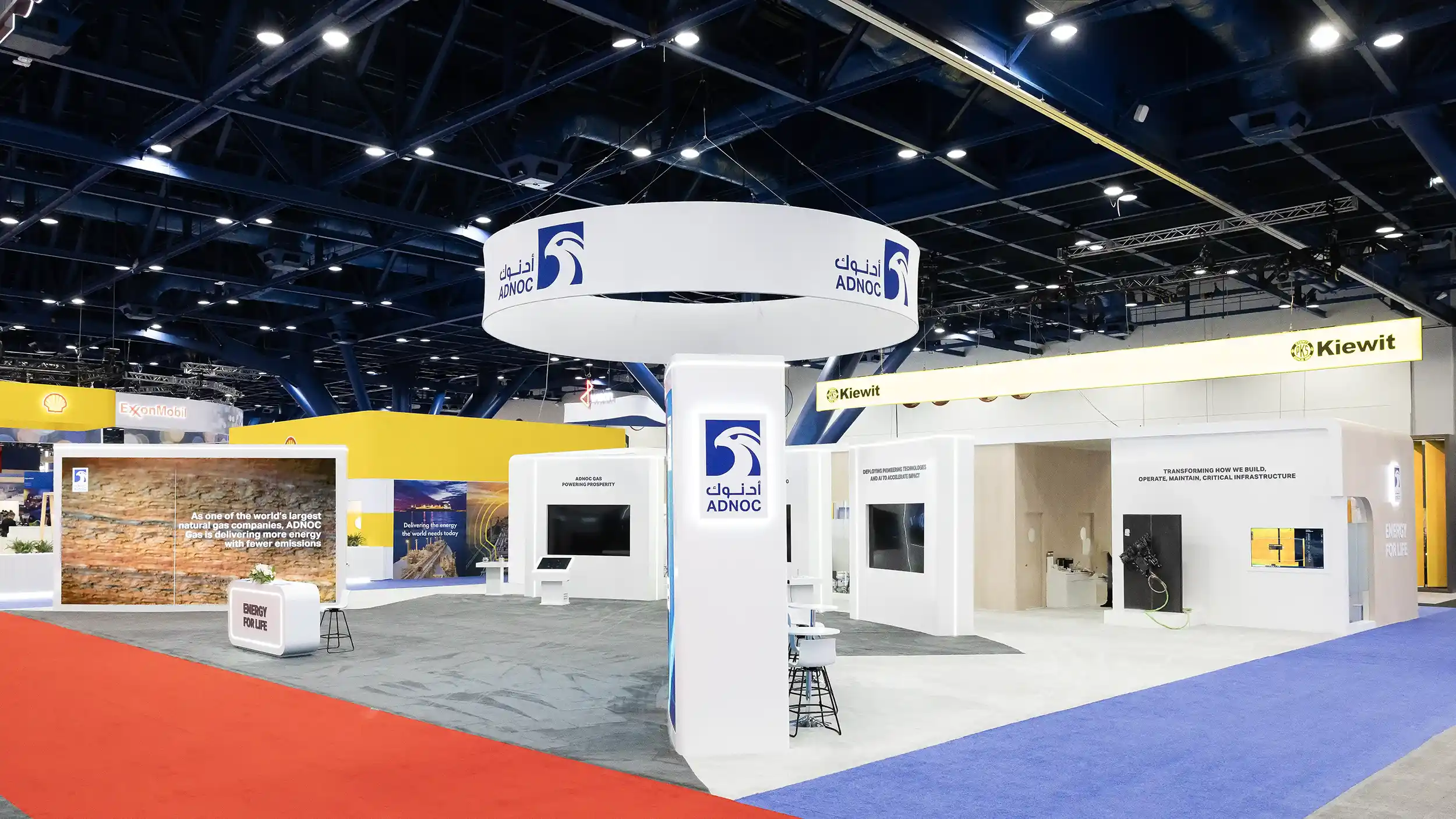
Sponsors renew on evidence. Picture a recap that shows their logo on the stage screens, their executive at the podium and a busy booth. That gives your sponsorship team something to show the decision maker, who often was not at the event.
If you are already building a sponsor recap deck with photos, a short sponsor cut of the video sits naturally beside it. We wrote more about the photo side in The Sponsor Recap Deck. Before the show, hand your video team the sponsor list and any visibility promised in their contracts. That way those moments are planned rather than hoped for.
3. Next year’s registration page
A 30 to 60 second cut placed near the register button does something a paragraph of copy cannot: it shows a prospect what the room feels like. It is the same idea behind using this year’s conference photos as next year’s registration campaign, applied to motion. Ask for the short cut as its own deliverable so it is paced for a landing page. Otherwise it tends to get trimmed from the full recap at the last minute.
4. The members who did not come
For associations especially, the people who skipped this year are next year’s biggest opportunity. Send the recap to the full membership list. It shows them the keynote, the packed room and the hallway conversations they missed. An agenda never does that. That gentle sense of missing out is one of the most persuasive things a planner can send.

5. Your call for speakers
Strong speakers want to know the room is worth their time. A few seconds of a full general session and an engaged audience answers that question before they ask it. Drop that clip into your call for speakers page or outreach email.
6. The board and leadership report
Leadership often sees the budget but not the event. Two minutes of video at the next board meeting tells the story of the year’s biggest program faster than a slide of attendance numbers. It also puts faces to the work your team did.
7. Social content for the quiet months
The recap is also a library. Vertical cuts, speaker soundbites and short sponsor clips can go out across the off season. Your event keeps showing up in feeds long after the hall is empty. Asking for vertical versions up front saves your marketing team from reformatting later.
Two recent recaps from our video team
As you watch these, think about which of the seven jobs above each one could do for your own event.
Middle East Institute and ADNOC, 1:59. An event recap covering the speakers, the attendees and the moments around the program.
Methane Forum 2024, 1:45. A conference highlight video covering the program and the people who made it worth attending.
How long should a conference recap video be?
For the main recap, one to two minutes is the range we see working best. It is long enough to show the program, the crowd and a few voices, and short enough that people watch to the end.
The most common mistake we see is trying to fit every session and every sponsor into one edit. That turns a recap into an archive. A better approach is one main recap plus short cuts for specific jobs: a 30 second registration cut, a 60 second social teaser, vertical versions for phones, and sponsor clips where they have been promised.
What to settle with your video team before doors open
A little planning before the event is what makes all seven jobs possible. These are the things we find most helpful to know ahead of time:
- Who the recap is for, in one sentence, and the feeling you want a viewer to have when it ends
- Your run of show, with the sessions and moments that matter most marked
- Your sponsor list and any visibility promised in their contracts
- Three to five interview subjects booked ahead with a set time and a quiet spot, such as an attendee, a sponsor and a speaker
- Where each version will live, whether that is email, the registration page, social media or a board meeting, so you get the right lengths and shapes
- Your thank you email date, so the edit schedule can work backward from it
- How attendees are told about filming, usually a line in the registration terms and signs at the entrances, worded by your own team
Why photo and video work better booked together
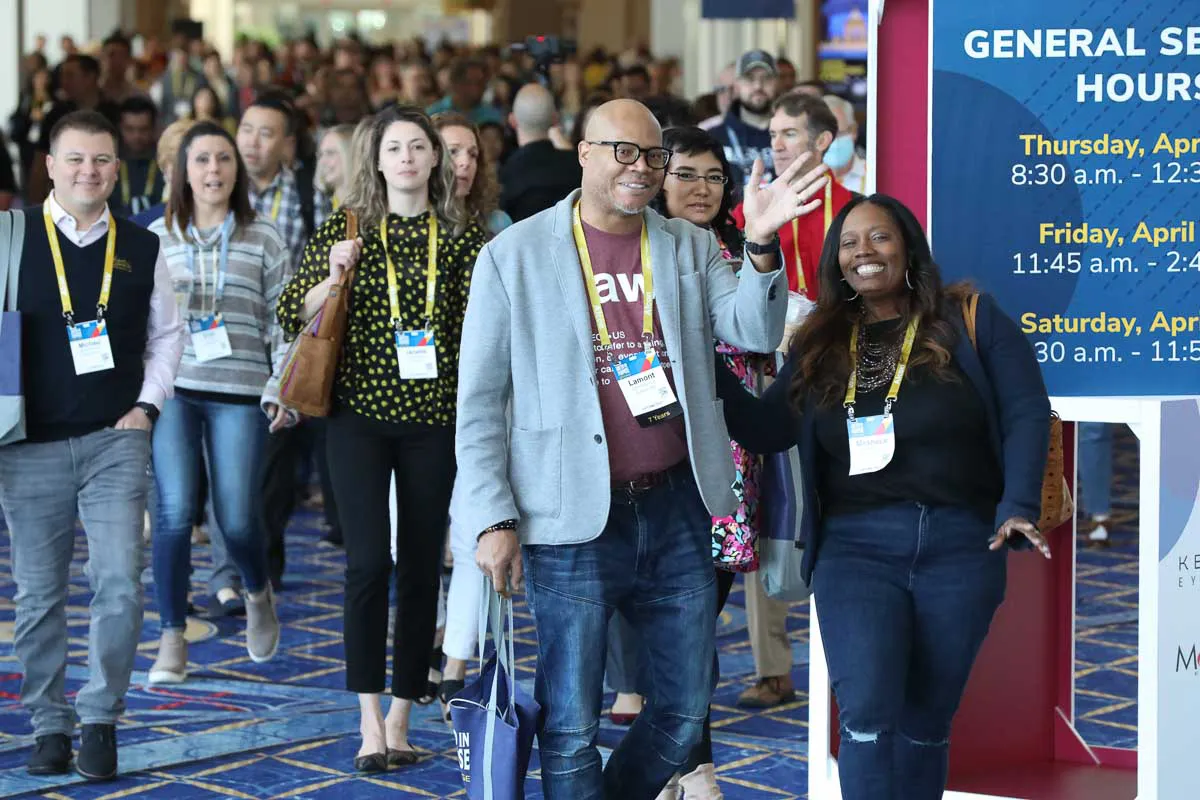
Photos and video do different jobs. Stills fill the sponsor deck, the press release and next year’s brochure, while video carries the energy a single frame cannot.
When one team covers both from the same run of show, the crews are not competing for the same spot in front of the stage. The interview corner can sit right beside the headshot station, and you have one point of contact instead of two. Our convention photography and video teams work side by side on events every year. That coordination is a big part of why the finished photos and recap feel like one event.
FAQ: Event Recap Videos
What is an event recap video?
An event recap video is a short highlight film, usually one to two minutes long. It captures the keynotes, the audience, the exhibit floor and the conversations at a conference, convention or trade show. Planners use it to thank attendees, show sponsors their return and promote next year’s event.
How long should a conference recap video be?
One to two minutes works best for the main recap. Shorter 30 and 60 second cuts and vertical versions cover social media, email and registration pages.
What is the difference between a recap video and a sizzle reel?
The terms overlap. A recap or highlight video usually tells the story of one specific event for the people who attended or missed it. A sizzle reel is typically a faster promotional piece meant to sell a future event or a brand, often drawing on footage from several years. Many planners get both from the same footage.
When should interviews be filmed at a conference?
Early in the event, or in a scheduled block away from the busiest sessions, tends to work best. People are fresh, the space is quieter, and the clips are ready for the edit. Booking interviewees ahead with a set time saves chasing them across the show floor.
How soon after the event will we receive the recap video?
Turnaround depends on the length of the recap and how many versions you need. We agree on it with each client before the event. If you have a fixed date for your thank you email, let us know early and we will plan the edit around it.
Are revisions included?
Yes. Our recap videos include two rounds of revisions, so your team can request changes to the edit before we deliver the final files.
Can one company cover both photography and video?
Yes. We book convention photography and event video together. That means one run of show, one point of contact and crews that coordinate rather than compete for the same angles.
Why does experience matter for event video?
Conferences move fast and nothing happens twice. A team that has covered general sessions and show floors for decades knows when the room will be full and where the keynote will turn. It also knows how to stay out of the way of attendees and the AV crew. That is what lets the right moments end up in your recap.